

How AI Can Screen, Qualify, and Transfer Calls to Closers in ViciDial
Design a staged call workflow with separate screening, qualification, and transfer decisions, including clear failure and fallback paths.
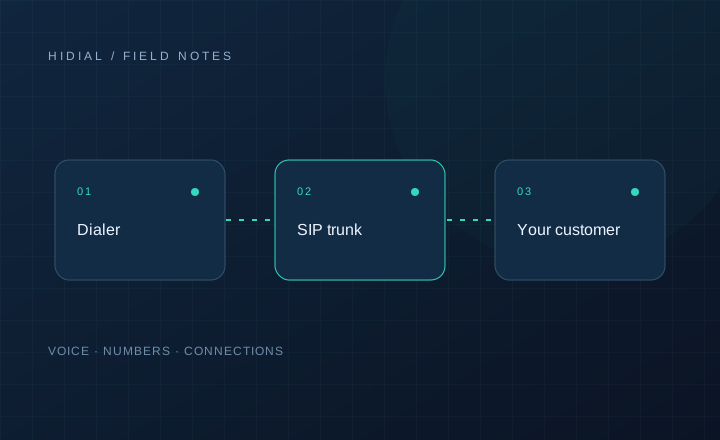
Screening, qualification, and transfer solve different problems. Screening determines whether the conversation should continue. Qualification checks whether the prospect matches the campaign's criteria. Transfer connects an interested, suitable prospect with a person who can help. Combining these decisions into one instruction such as “send good leads to sales” leaves too much undefined.
An AI voice workflow connected to ViciDial should make each stage explicit. That makes it easier to investigate a rejected lead, a failed handoff, or a caller who reached the wrong department.
Screen before starting discovery
Begin by checking whether the person is the intended contact and whether the purpose of the call is relevant. A wrong number, a support request, or a refusal should not enter the same sales path as a prospect asking for information.
Use an approved introduction that identifies the business and follows the disclosure requirements for the campaign. If someone declines or asks not to be contacted, follow the approved suppression process. Do not continue asking sales questions simply because a qualification checklist is incomplete.
For an inbound telecom inquiry, screening might separate a new service request from an existing customer's billing issue. Both callers deserve help, but only one belongs in a new-business closer queue.
Qualify using evidence from the conversation
Collect the facts the receiving team needs to evaluate fit. For a SIP-trunk inquiry, useful questions could cover the existing phone system, intended calling use case, destination countries, and launch schedule. The appropriate questions depend on what the business actually offers.
Keep confirmed answers separate from assumptions. “We may expand next year” is not a confirmed purchase timeline. A caller who does not know the current channel requirement should be marked as uncertain rather than assigned an invented number.
Use validation rules in the integration service to check required fields before approving a transfer. These are proposed application rules, not an assumption that ViciDial includes native AI qualification.
Treat handoff as its own stage
Qualification does not establish that a closer is available or that the caller wants to continue immediately. Ask whether the person would like to speak with the appropriate specialist, then check the approved destination and its operating hours.
Prepare the receiving agent's context before connecting: lead identifier, stated request, confirmed criteria, and unresolved questions. Verify the record on the actual agent screen. Audio connectivity alone does not prove that customer information reached ViciDial or the connected CRM.
Your telephony configuration also determines the available transfer methods. Retell documents cold and warm transfer options in its transfer guide. Test the selected method in your carrier and dialer environment before using it with customers.
Define failure outcomes
A transfer can fail because the destination is busy, the queue is closed, the caller hangs up, or the connection cannot be completed. Record these separately from a prospect who does not meet the service requirements.
Offer an approved callback when appropriate. Do not repeatedly transfer the same caller between destinations or mark an unanswered handoff as an accepted sales conversation. Limit retries and prevent a delayed event from launching another attempt after the call has ended.
Review the complete path
During a limited pilot, inspect examples from every stage: screened out, qualification incomplete, eligible but no closer available, and successfully accepted. Look for both incorrect transfers and prospects who were unnecessarily rejected.
This stage-by-stage review complements the broader prequalification checklist. Contact HiDial to discuss the call path, integration responsibilities, and fallback destinations for your ViciDial setup.